
Digital Magazine Maker: Turn Your PDF Into an Online Magazine
Your print-ready PDF is already a finished magazine. Instant Flipbook turns it into a page-turning digital magazine that works on every device and lives on your own website, so the readers, the traffic, and the SEO value stay with you.
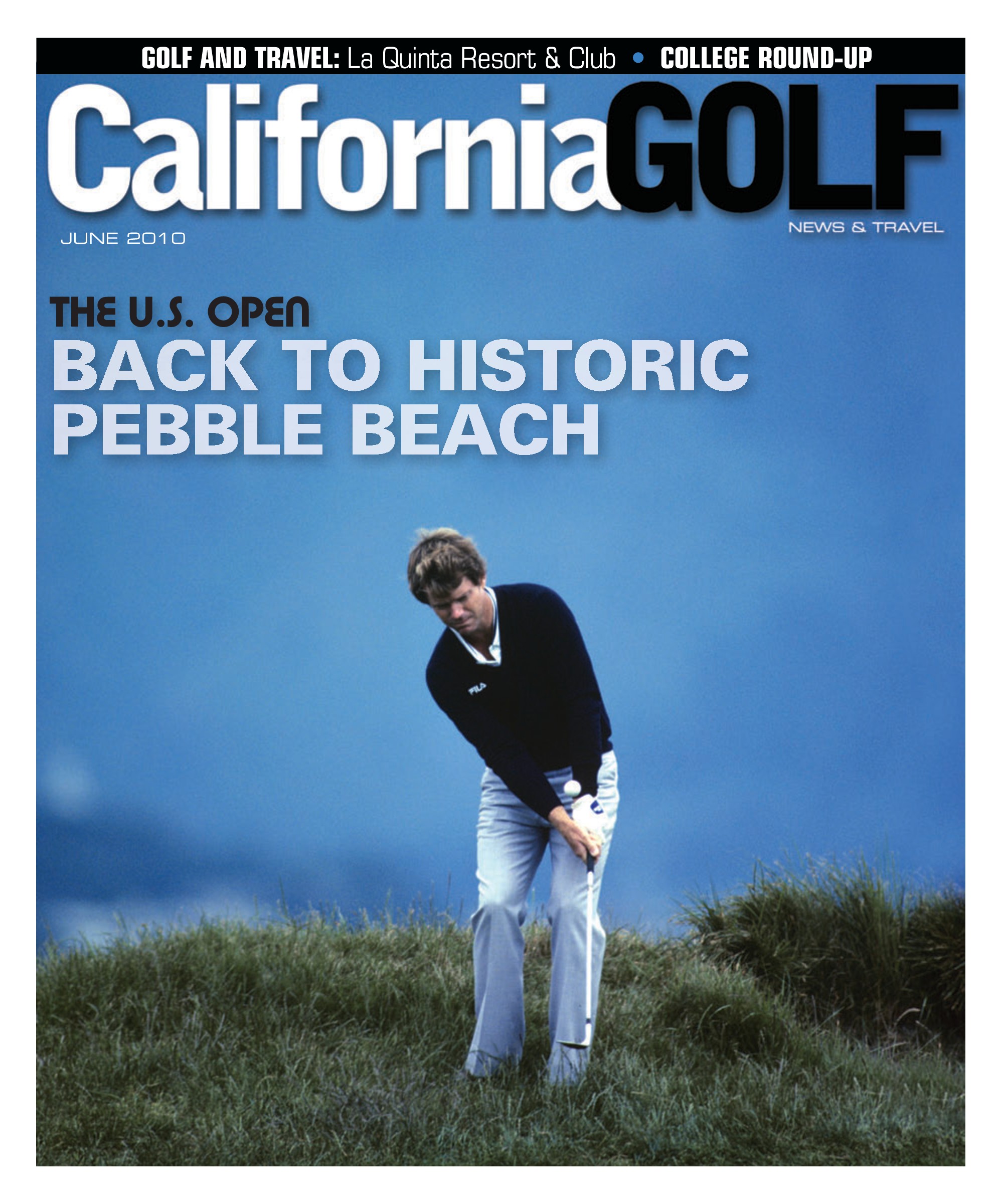


What is a digital magazine?
A digital magazine is an online edition of a magazine that readers can browse page by page in a web browser, just like the printed copy. Unlike a plain PDF download, a flipbook-style digital magazine opens instantly, turns pages with a realistic animation, lets readers zoom in on photos and fine print, and keeps every link in your layout clickable.
Publishers use digital magazines to reach readers who will never pick up the print edition, to archive back issues, and to give advertisers clickable ads with measurable traffic.
How to make a digital magazine in three steps
- Export your issue as a PDF. Use the same file you send to the printer, or a lighter version with 72 to 150 DPI images for faster loading. Single pages or spreads both work.
- Upload the PDF. Instant Flipbook converts it into an HTML5 flipbook in about a minute. Links and email addresses in your PDF are detected automatically.
- Customize and publish. Match the colors and background to your masthead, add YouTube or Vimeo videos to editorial pages or ads, then download the files and upload them to your website, or embed the magazine in any page.
That is the whole workflow. There is no new layout tool to learn: you keep designing in InDesign, Affinity, Canva, or whatever your team already uses.
Why publishers host their digital magazine themselves
Most online magazine makers host your issues on their own platform. That is convenient until you look at what it costs you:
- Your traffic builds their domain. When readers, partners, and advertisers link to your issue on a third-party platform, that platform gets the search engine credit. With Instant Flipbook, the magazine sits on your domain, so every link and every visit helps your own website rank.
- No competing publications. Hosted platforms often show "more like this" suggestions next to your issue. A self-hosted flipbook shows only your magazine.
- No subscription to keep issues online. Subscription platforms take your back catalog offline when you stop paying. Self-hosted files keep working for as long as your website does.
- Your branding, not ours. Purchased flipbooks are fully white-label. There is no "powered by" badge and no watermark.
Features that matter for magazines
- Clickable ads and editorial links that send readers straight to advertisers, shops, or articles on your website.
- Embedded video from YouTube or Vimeo, for interviews, behind-the-scenes content, or video ads.
- Search inside the issue, so readers can jump to a name, a product, or a topic.
- Deep links to any page, for example
/magazine/?page=12, perfect for sharing a single article on social media or in a newsletter. - Zoom and fullscreen for photography-heavy layouts, plus pinch-to-zoom on phones and tablets.
- Google Analytics on your own site, so you see visits, traffic sources, and time spent in the same reports as the rest of your website.
- Offline copies on USB or a local folder, for trade shows and events without Wi-Fi.
Publishing a new issue every month
Each issue is a separate flipbook with its own folder, so a simple structure like /magazine/2026-10/, /magazine/2026-11/ gives you a clean, permanent archive. Link the latest issue from your homepage, keep a back-issue page with covers that link to each edition, and your digital magazine library grows with every release.
You pay a one-time fee per issue with no monthly costs, and the price per flipbook automatically drops as you publish more. See pricing for the current tiers.
Agencies: sell digital editions to your publishing clients
If you design magazines for clients, the digital edition is an easy add-on. Convert the final PDF, deliver the white-label files or host them on the client's domain, and charge for the extra deliverable. Your client never sees our brand.
Frequently asked questions
Flipbooks for
- Digital Brochures
- Digital Catalogs
- Digital Menus
- Real Estate Brochures
- Digital Lookbooks
- Annual Reports
- Digital Newsletters
- HTML5 Flipbooks
Businesses use Instant Flipbook














Ready to create your flipbook?
Upload a PDF and get an interactive flipbook within minutes. Completely free to try.